Wi-Fi
Join your network from Outrigger's screen, so updates, downloads and its web page need no cable.
Plug in your keys. Pop in a new instrument.
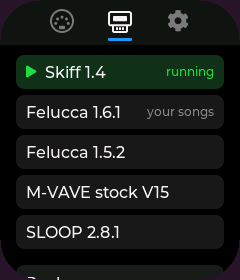
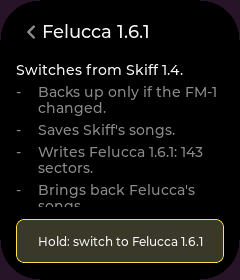
A palm-sized touchscreen on the hub. It sends your playing to the FM-1, shows you what's connected, and handles every firmware switch, backup first.
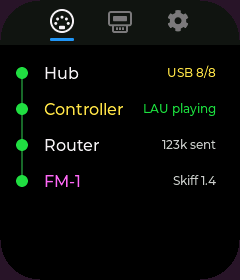
Outrigger, the FM-1 and your MIDI controller all plug in here, and one charger powers the lot. The trick is a hub that can charge a laptop through it: Outrigger sits where the laptop would.
M-VAVE's $60 pocket FM synth, with 27 keys, a speaker and a battery. Its players have written more than a hundred alternative firmwares for it, which turn it into a groovebox, a sampler, a drum machine and more.
Any MIDI controller with a USB port that works without installing a driver: keys, pads, knobs, faders. Plug it in and it plays the FM-1.
Has a 5-pin or 3.5 mm MIDI out? A plain MIDI cable into the FM-1 does that part, no Outrigger needed.
Any MIDI controller with a USB connection plays the FM-1: full-size keys, pads and knobs on a pocket synth. No laptop on the table, no MIDI adapters, one charger for everything.
A groovebox tonight, a sampler tomorrow: switch between more than a hundred community firmwares in about a minute, right on Outrigger. It backs up before every switch, so your songs are waiting when you come back.
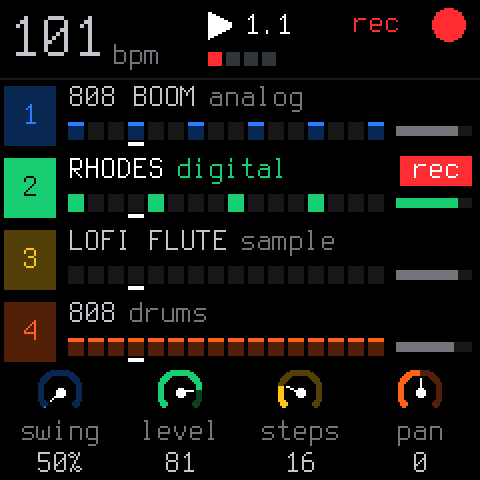
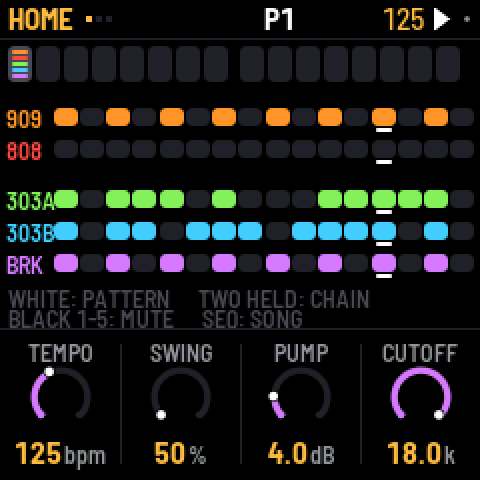
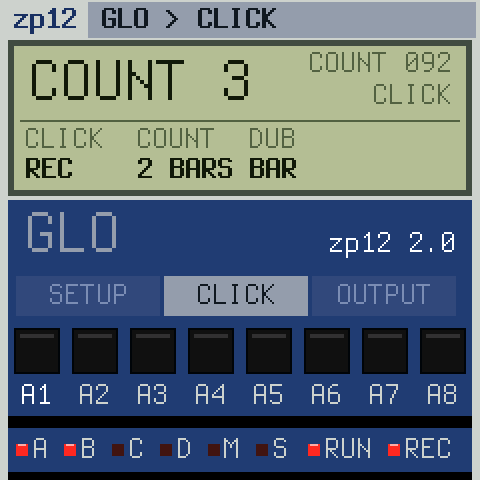
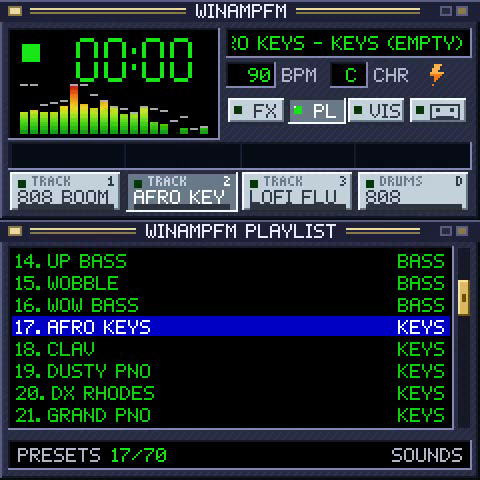
This runs Outrigger. Most ESP32-S3 boards with a screen should work; we're still testing.
Tried another board? Tell us how it went.
Most hubs that can charge a laptop through them work. Outrigger plugs in where the laptop would.
We suspect any MIDI controller made in the last fifteen years works.
Set up, update and check on Outrigger from your phone or laptop, without plugging it in.
Join your network from Outrigger's screen, so updates, downloads and its web page need no cable.
Open Outrigger from any browser on your Wi-Fi: status, backups and settings.
Browse the Firmware Hub on Outrigger's screen and download straight to Outrigger.
Copy any backup off Outrigger, and restore the one you choose.
Outrigger's page shows what it sees: the devices, its log and any crash. A fix starts with a link, not a guess.
More of your rig on one hub, and a way to capture what you play.
Capture its audio over USB at 44.1 kHz stereo and pull the takes off over Wi-Fi. Streaming comes after.
Route any MIDI controller with a USB connection to any USB synth, not just the FM-1. The router is built; pointing it at other synths is a small change we haven't made or tested yet.
Several controllers together, Bluetooth MIDI, and twice the USB room on ESP32-P4 boards.
Boards with a card slot keep every firmware locally, about 60 MB in all.Pro tip: buying an ESP32 now? Get one with a TF card slot, like the 1.8-inch AMOLED.
Outrigger is meant to be extended.
Outrigger is one core with plug-in apps. The core hands out USB, Wi-Fi and storage, and every screen renders and tests on a laptop. Next: a documented way for anyone to add an app.
Support for a wide range of ESP32-S3 and ESP32-P4 boards: round and square screens from 1.69 to 4.3 inches, touch or buttons, with or without a card slot. Each gets a profile, and the screens already lay out at three sizes.
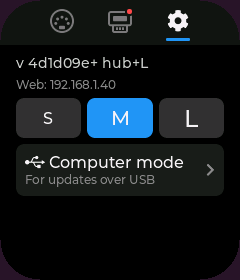
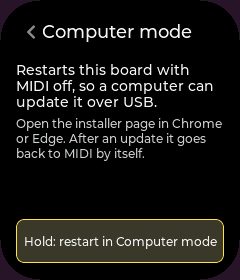
Outrigger's USB port is busy running your MIDI gear, so first hand it to your computer: in Settings, open Computer mode and hold the button. Then plug Outrigger into your computer and click Install. It goes back to MIDI by itself afterwards, and your backups stay.
Try another cable: charge-only cables never show up. Or hold BOOT, tap RST, let go of BOOT, and click Install again.
It's almost certainly not dead: its install mode lives in ROM. The Firmware Hub's Rescue or the Unbricker brings it back from a computer.
For now, Outrigger has room for one MIDI controller next to the FM-1. Unplug the other one. More than one is coming.
On Outrigger itself, never online. Copying them to a computer is coming.